Features
Evidence tools that follow a real walkthrough.
DepositKeeper is organized around what a renter actually does on site: set up the home, capture, review, mark, compare, preserve, and export.
01
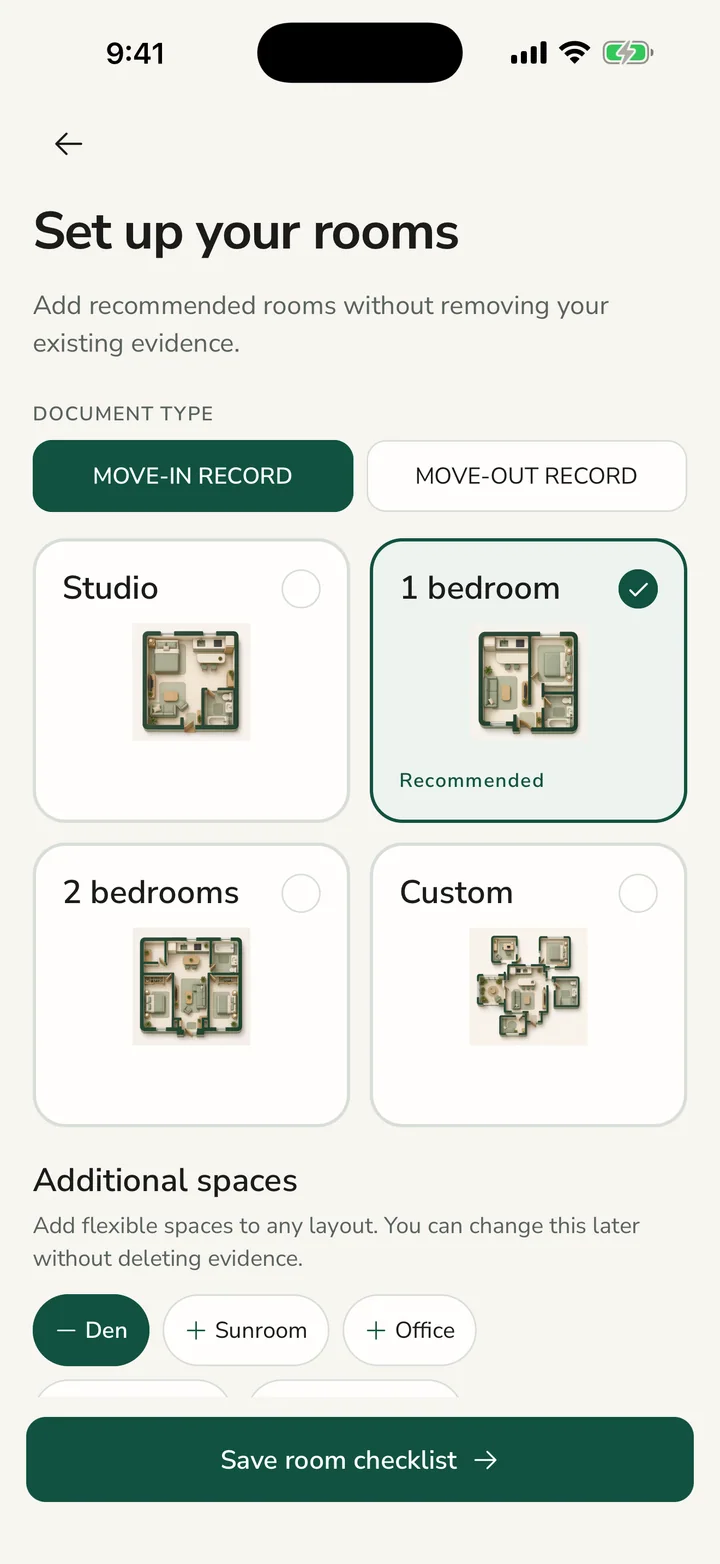
A layout that matches the home
Choose a starting template, then adjust bedrooms, bathrooms, optional rooms, and custom spaces without erasing existing evidence.
- Studio, one-bedroom, two-bedroom, and custom starting points
- Optional den, sunroom, office, dining, and laundry spaces
- Evidence-bearing rooms remain protected when the layout changes
02
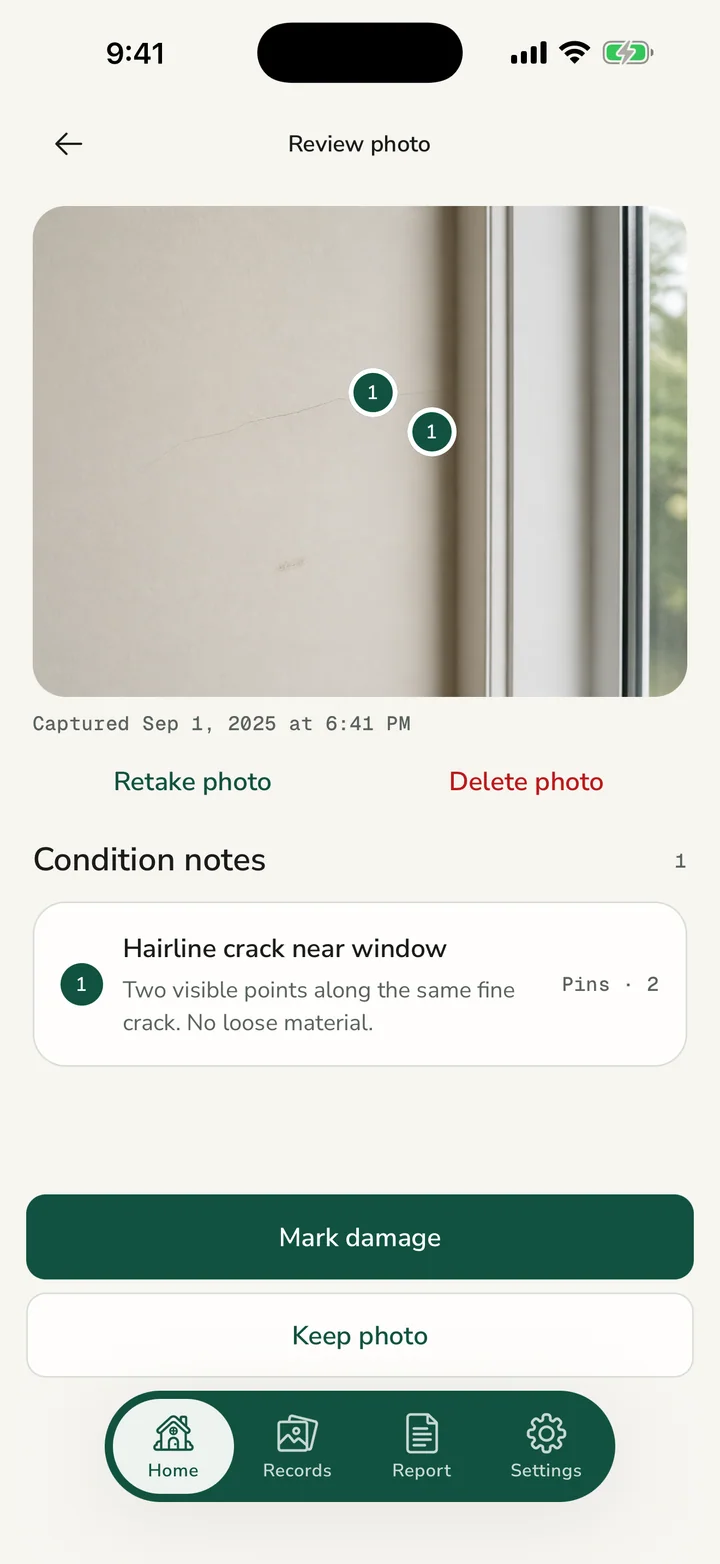
Capture, review, keep, or retake
A photo opens in a full review step before it becomes part of the record, so blur and poor coverage can be corrected on site.
- Large photo review instead of thumbnail-only checking
- Clear keep, retake, mark, and delete actions
- Capture and import provenance remain distinguishable
03
Damage pins on the exact photo
Select the evidence photo, place one or more numbered pins, and attach a factual note to that same photo.
- No default or invented pin position
- Multiple pins can describe several marks in one view
- Saved notes can be reviewed, edited, or removed
04
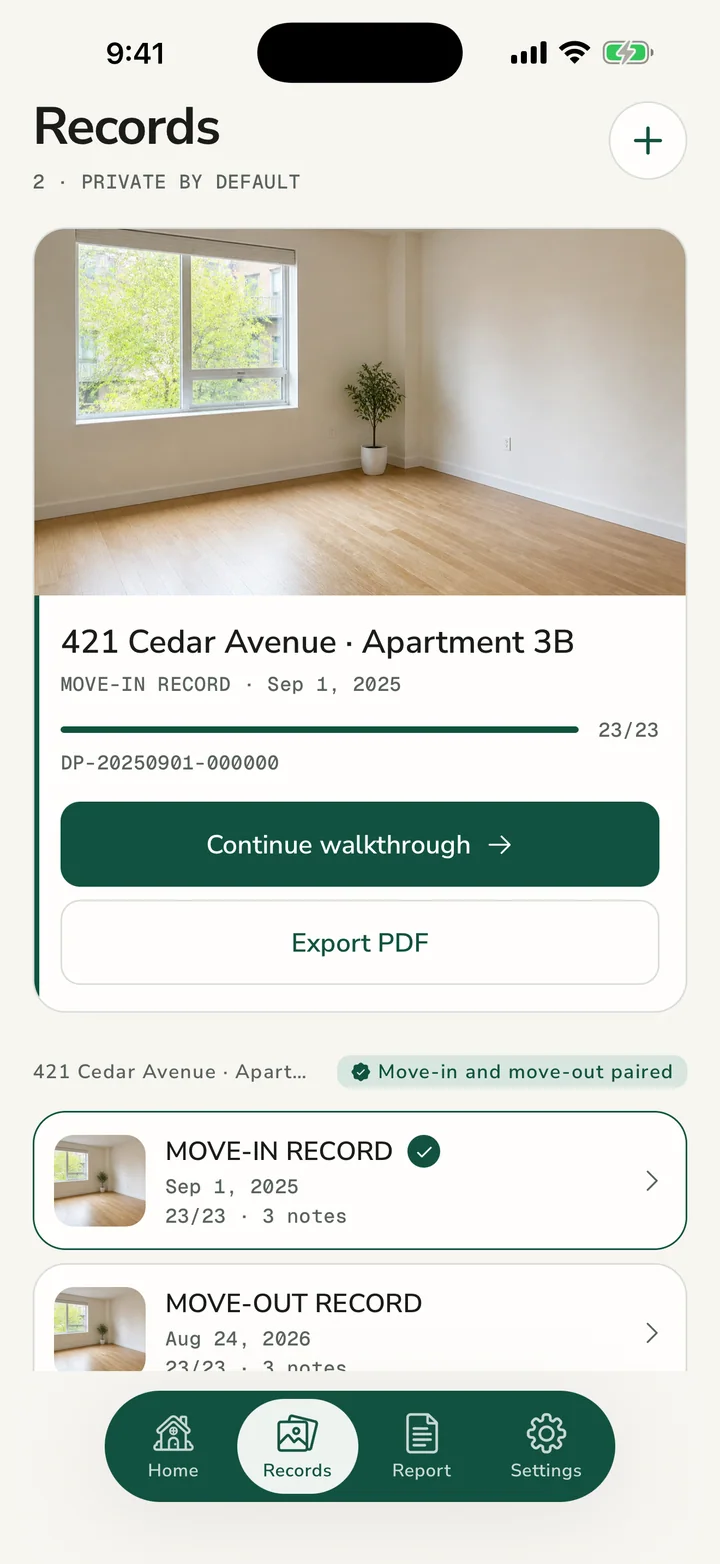
Move-in and move-out stay separate
Each property phase has its own record while matching rooms and surfaces remain easy to compare later.
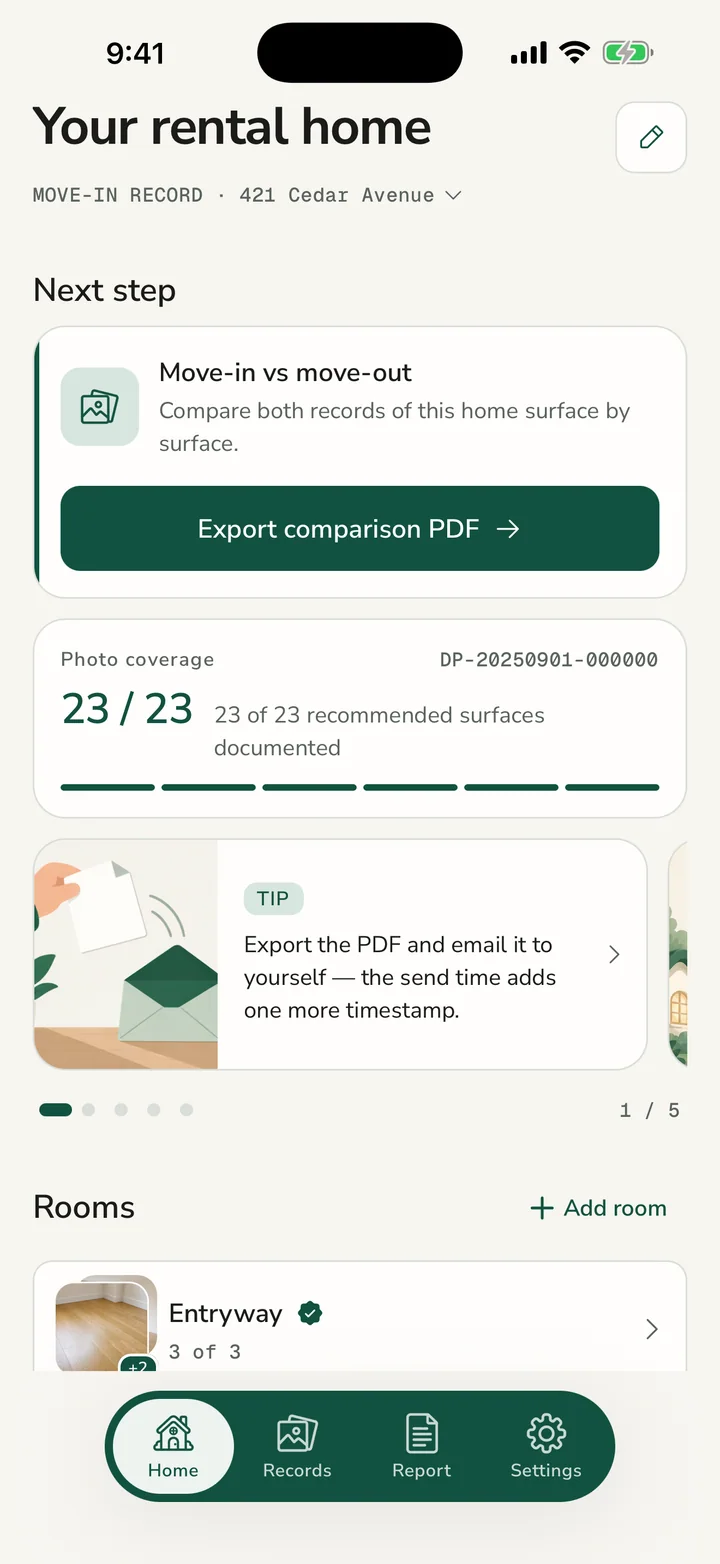
- Real progress comes from completed photo slots
- Sample images never count as evidence
- Room thumbnails reflect the photos you actually captured
05
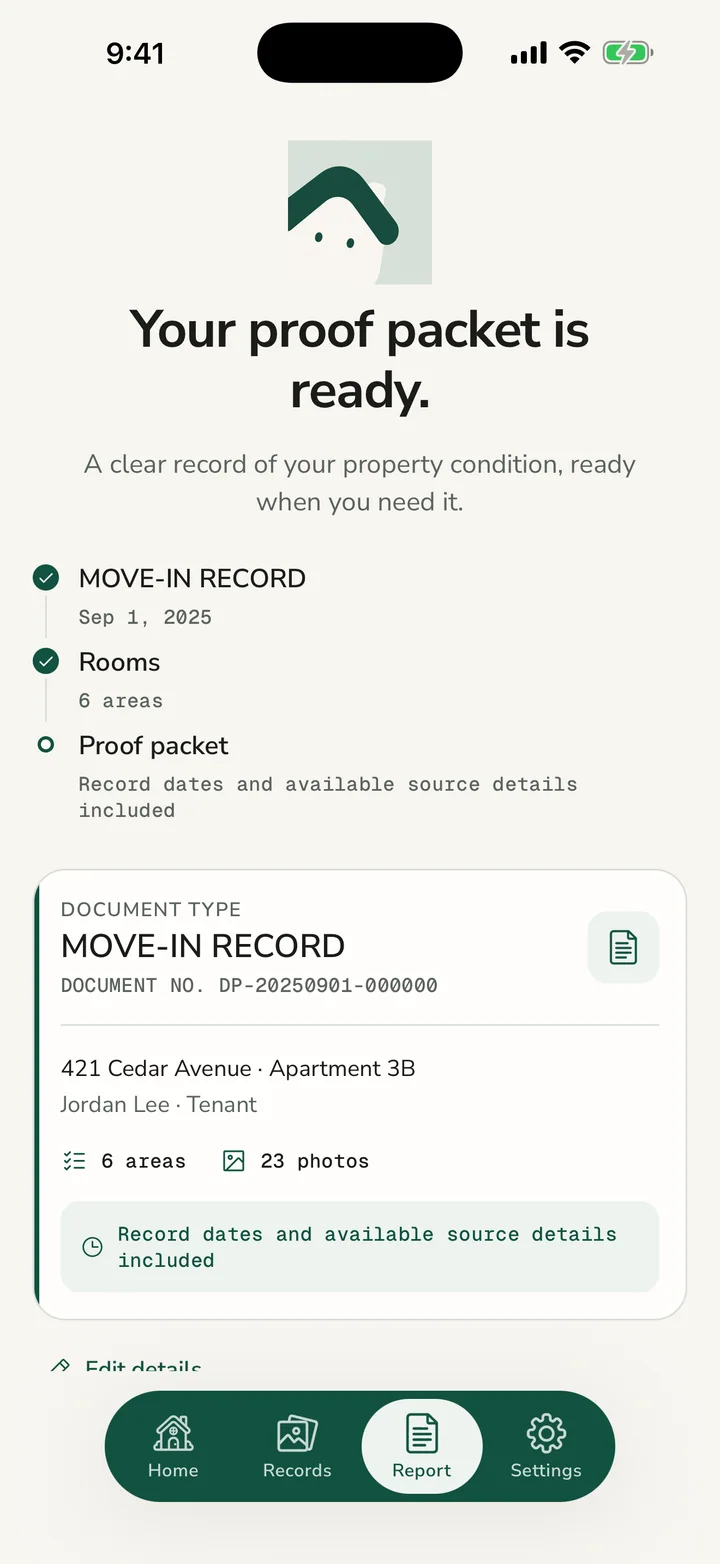
A readable local PDF packet
Create a property-level document with record details, dates, room sections, photos, notes, and an acknowledgment page.
- Empty records show guidance instead of a false success state
- Packet preview is separate from print and share actions
- The exported filename follows the record document number
06
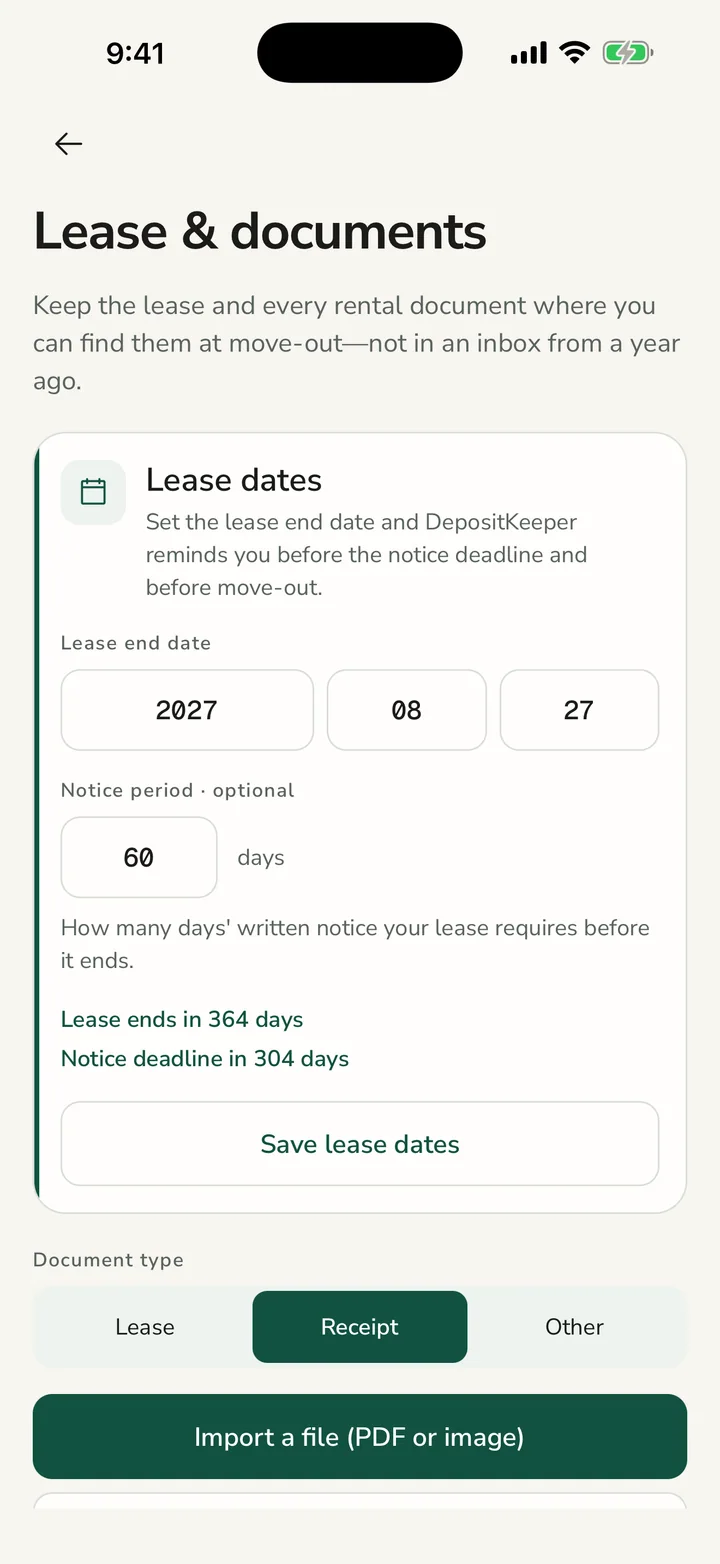
Keep the lease with the evidence
Store the lease, receipts, and other rental papers beside the property record, then set reminders for notice and move-out dates.
- Keep one free lease document on the device
- Add receipts, invoices, and other rental papers with full access
- Schedule local reminders for notice deadlines and move-out
07
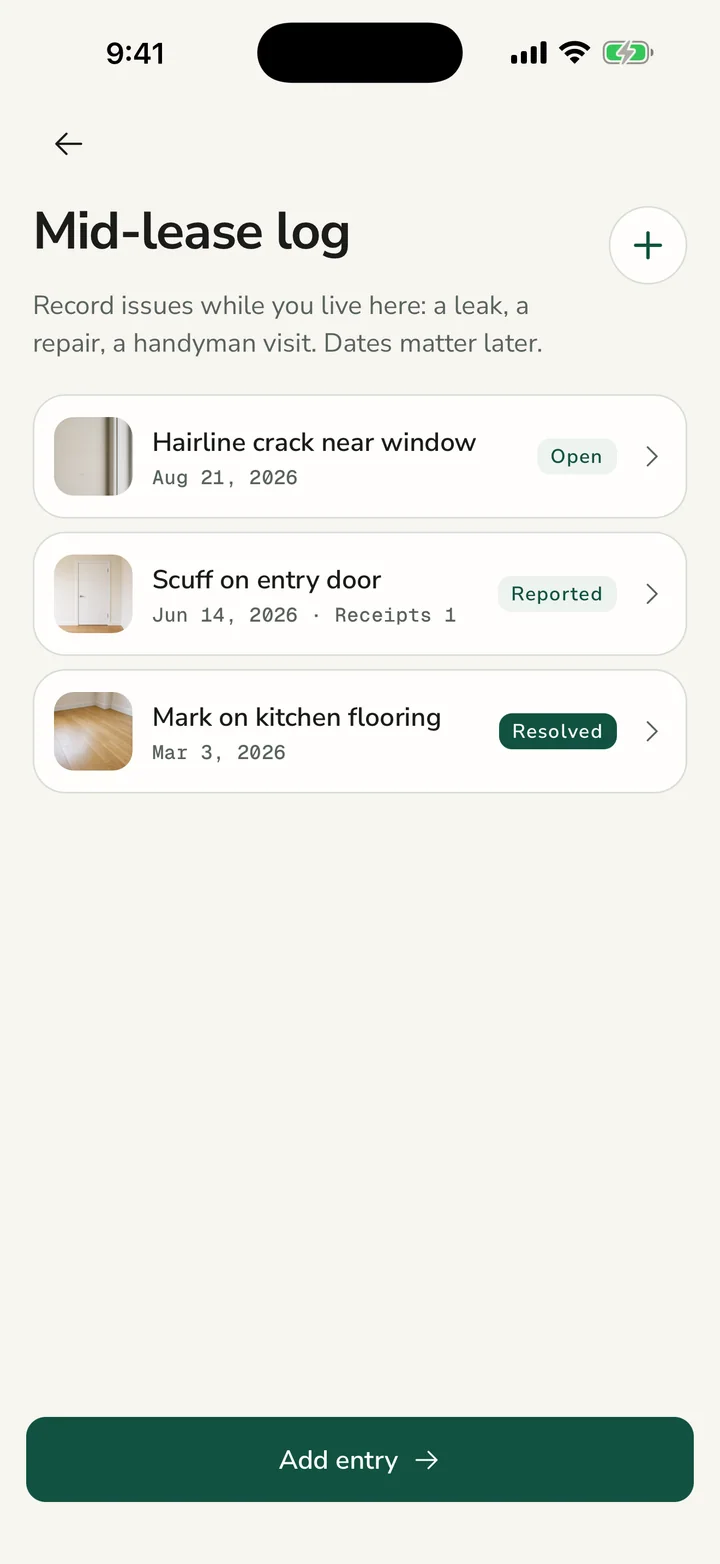
Keep a dated mid-lease log
Record leaks, repairs, and handyman visits while you live there, with photos and invoices attached to each entry.
- Track open, reported, and resolved issues
- Add photos while the condition is still visible
- Attach a receipt or handyman invoice to the entry
08
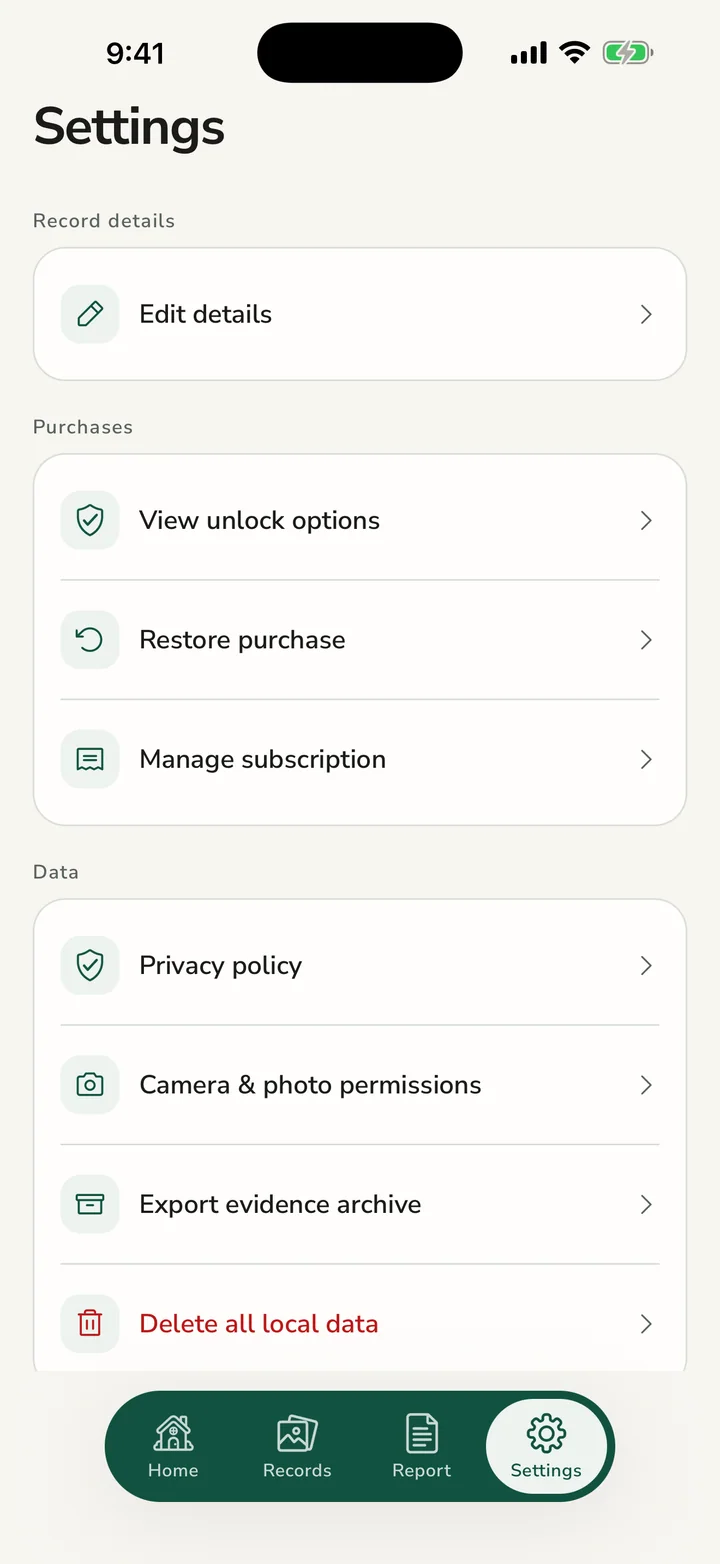
Back up the complete record
Export photos, documents, incidents, and record data together in one ZIP you can store in a place you control.
- Bundle evidence from every room and record
- Include rental documents, repair history, and record data
- Keep an independent copy outside the app
09
Local-first data controls
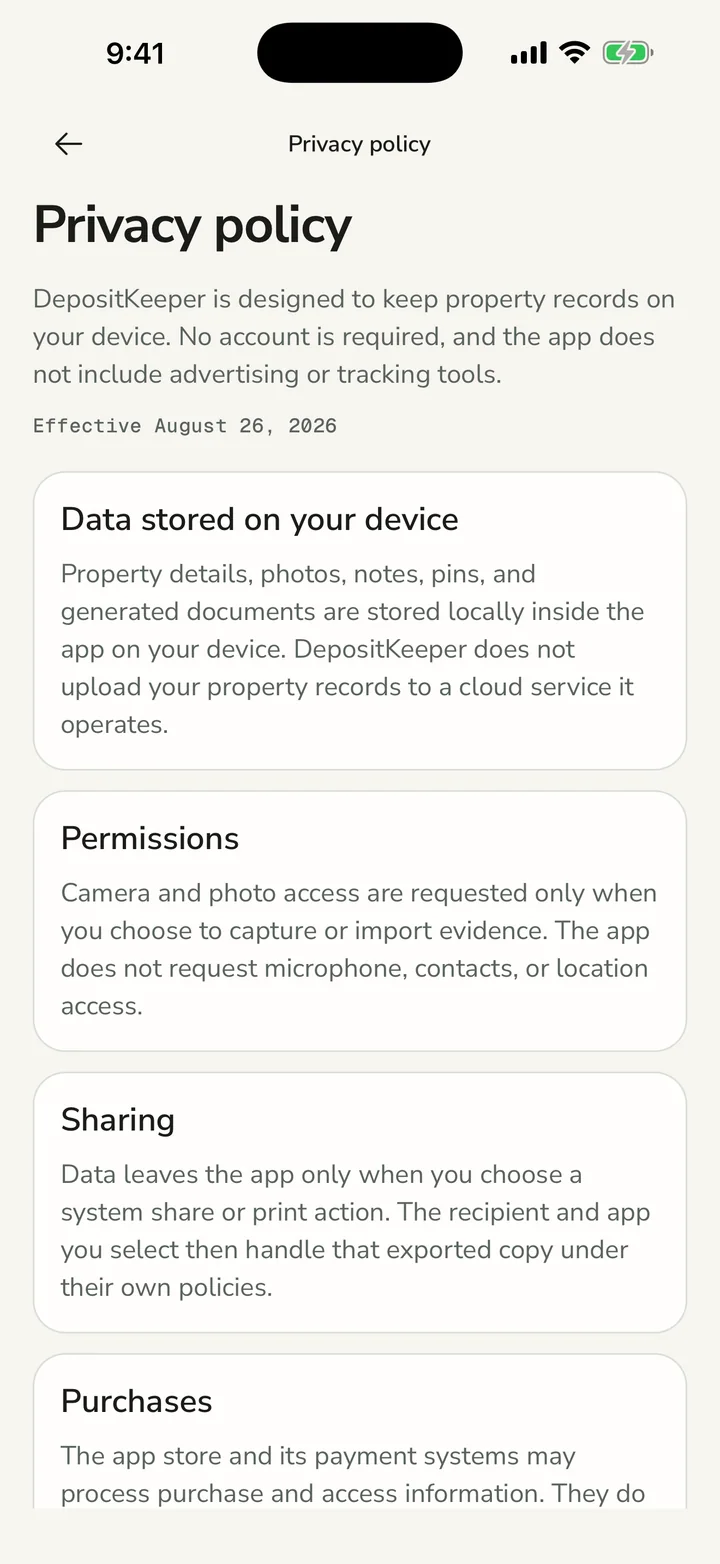
DepositKeeper does not require an account or upload your evidence to a cloud service it operates.
- Camera and photo access are requested only for recording
- Exports leave the app only through an action you choose
- Independent backups remain your responsibility