
No account
Start a rental record without creating an account.
A home record you control
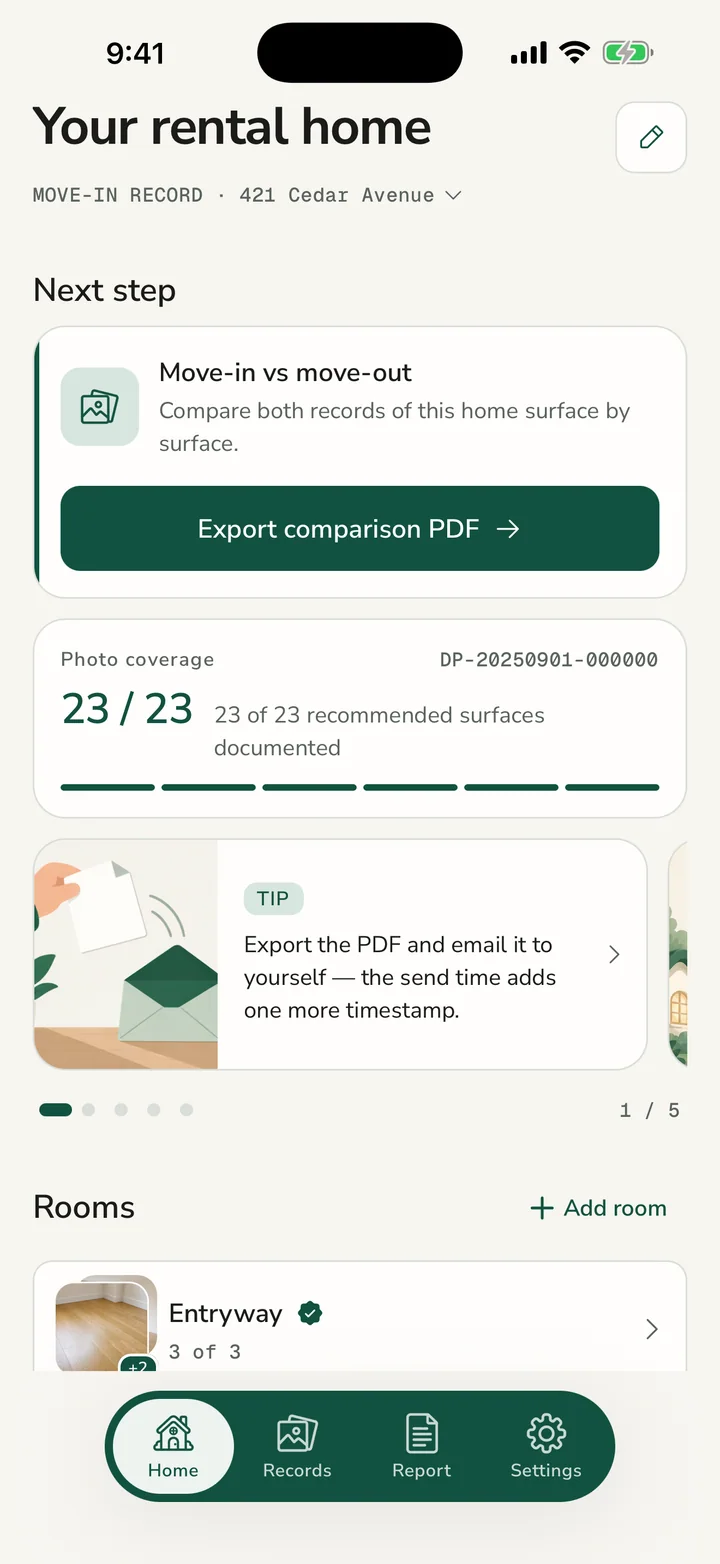
Photograph every room, mark the exact spot of each scratch or stain, and keep separate move-in and move-out records.
Start a rental record without creating an account.
Your photos and notes stay on your device unless you choose to export them.
Export or share your record only when you choose.
One simple walkthrough
Go room by room and review each photo while you are still there.
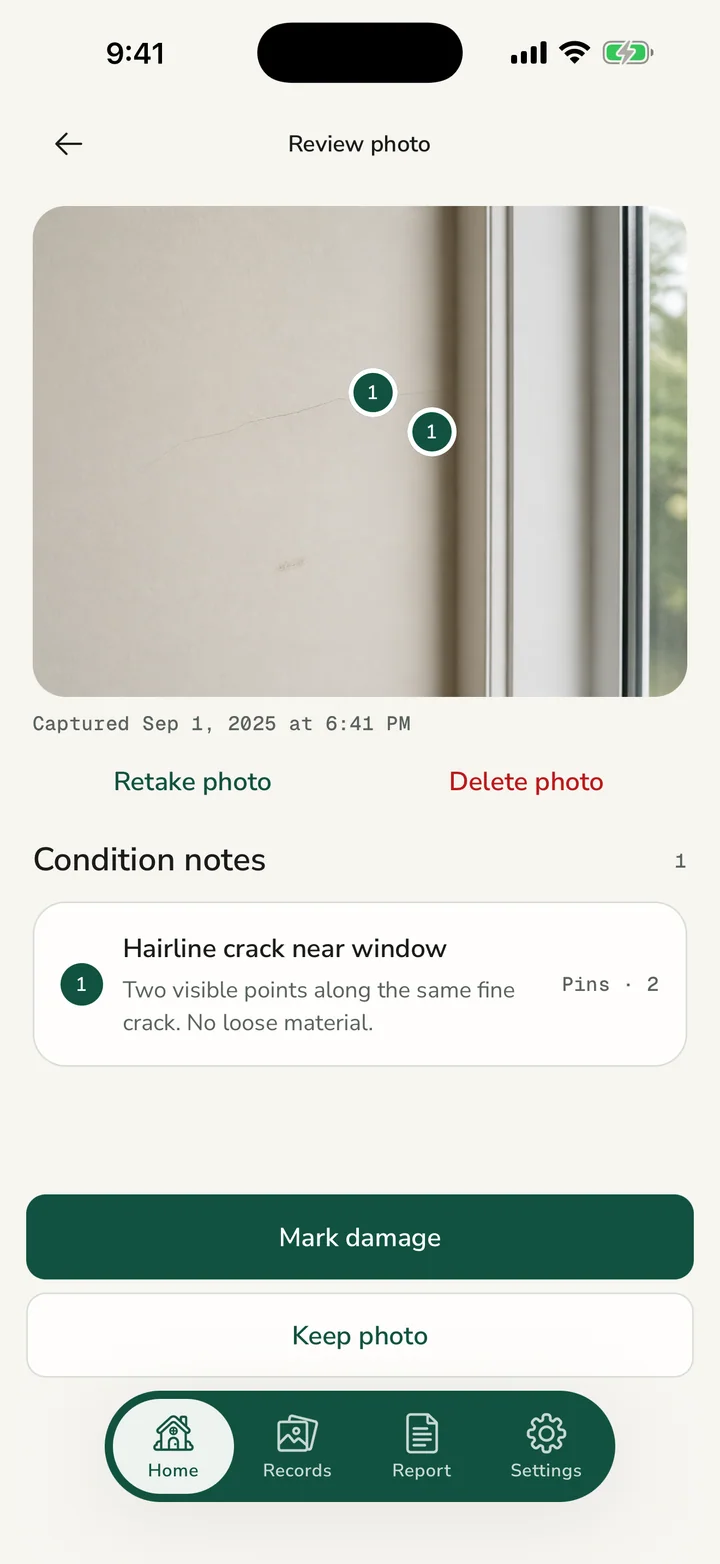
Mark the exact spot of each scratch or stain on the photo, then write what you see.
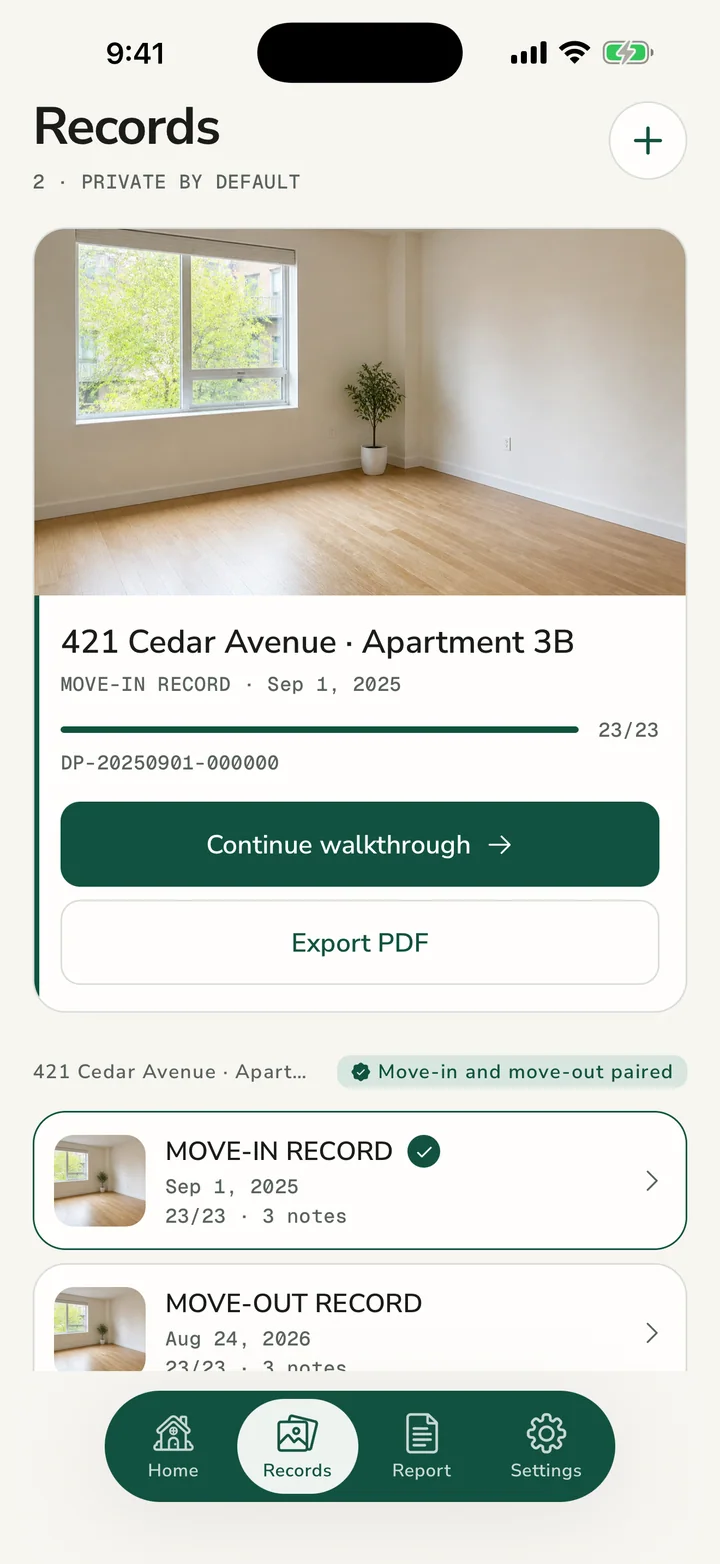
Keep one record for moving in and another for moving out, so you can compare the same rooms later.
Make a clear, dated PDF with your property, rooms, photos, and notes.
Features
Walk through your home, take photos, mark what you see, keep notes, compare moving in and moving out, and save a copy you can use later.
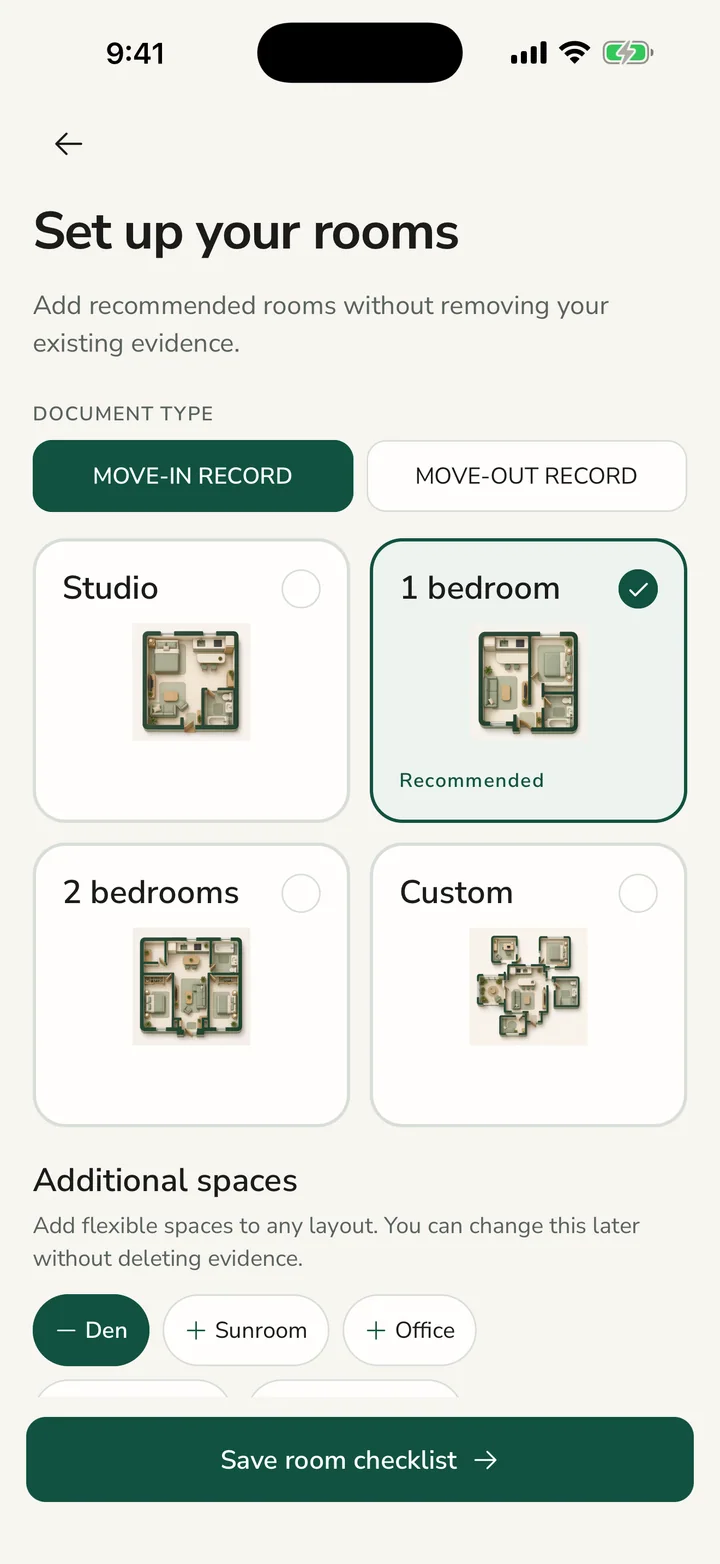
Choose a starting layout, then adjust bedrooms, bathrooms, optional rooms, and custom spaces without losing your photos or notes.
Review each photo before saving it, so you can fix blur or missing views while you are still in the room.
Tap the exact spot of a scratch, stain, or other mark on the photo, then add a short note about what you see.
Use one record for moving in and another for moving out, so you can compare the same rooms later.
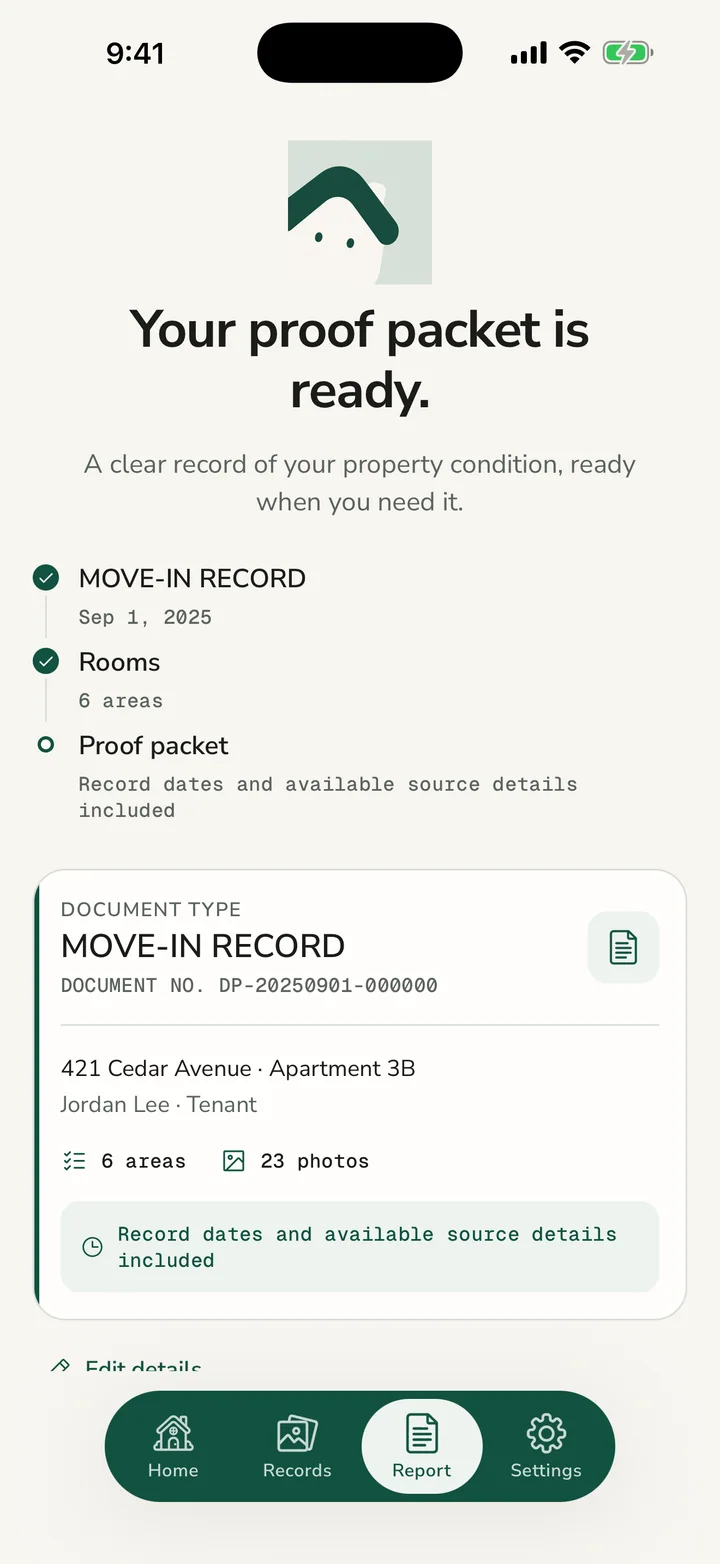
Create a dated PDF with your property details, rooms, photos, notes, and a final summary page.
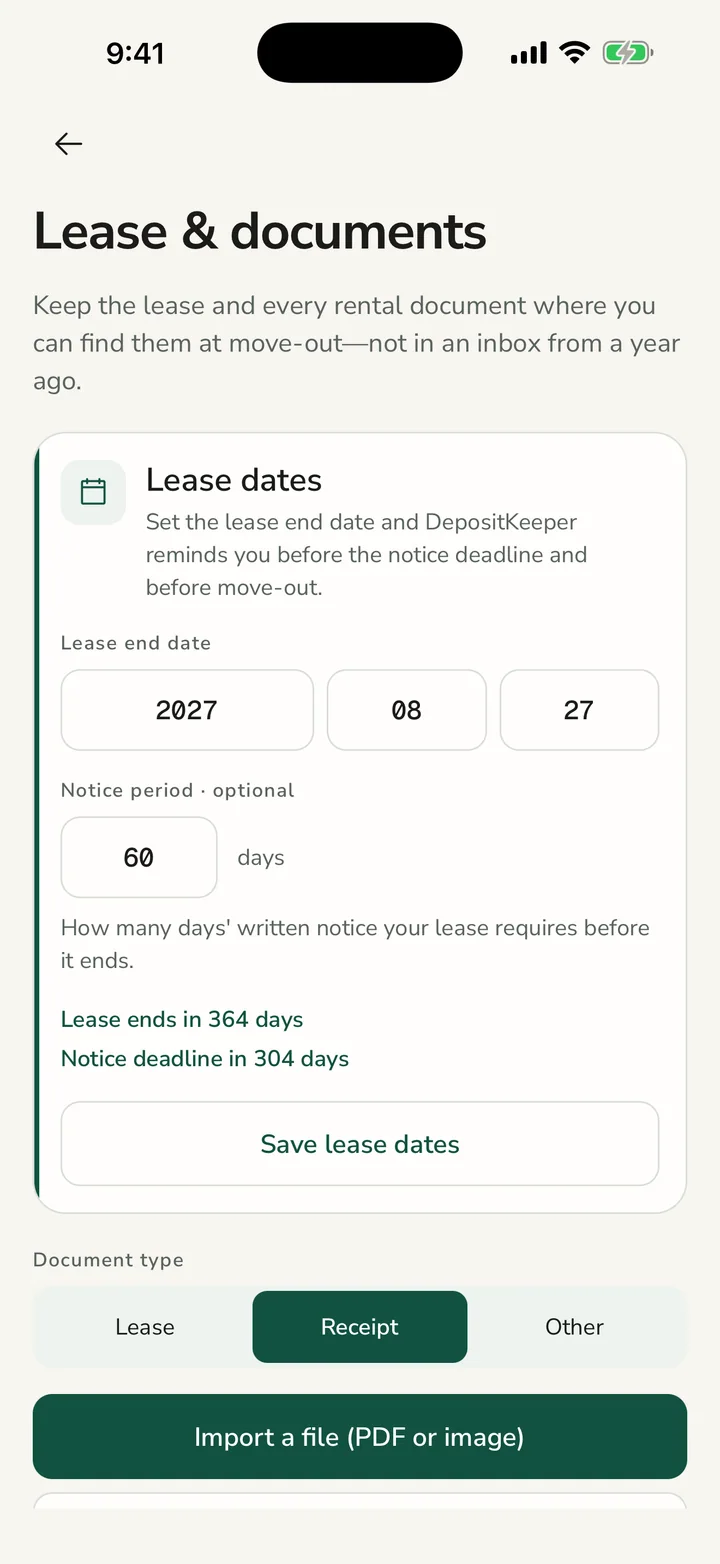
Store your lease, receipts, and other rental papers beside your home record. Add reminders for notice and move-out dates.
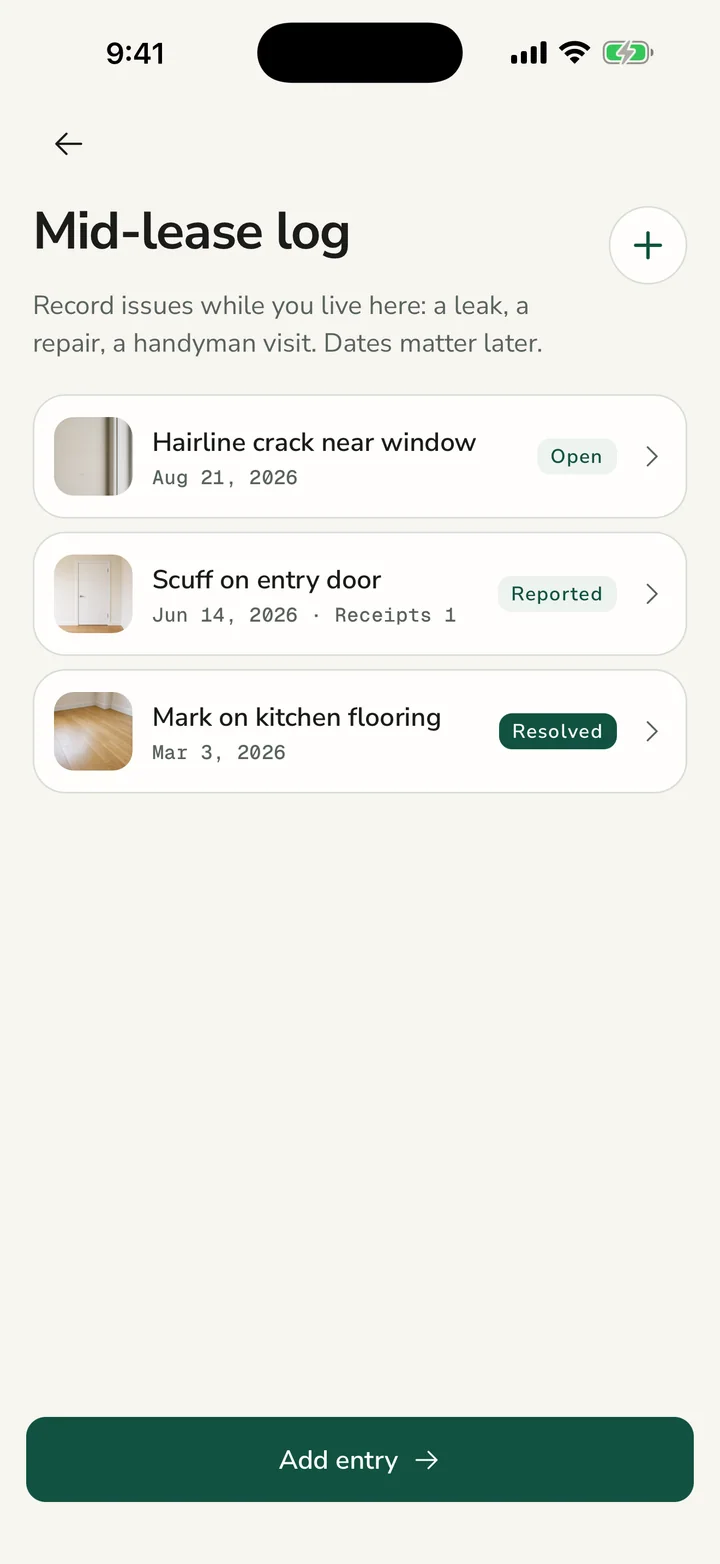
Write down leaks, repairs, and visits while you live there. Add photos and invoices to each entry.
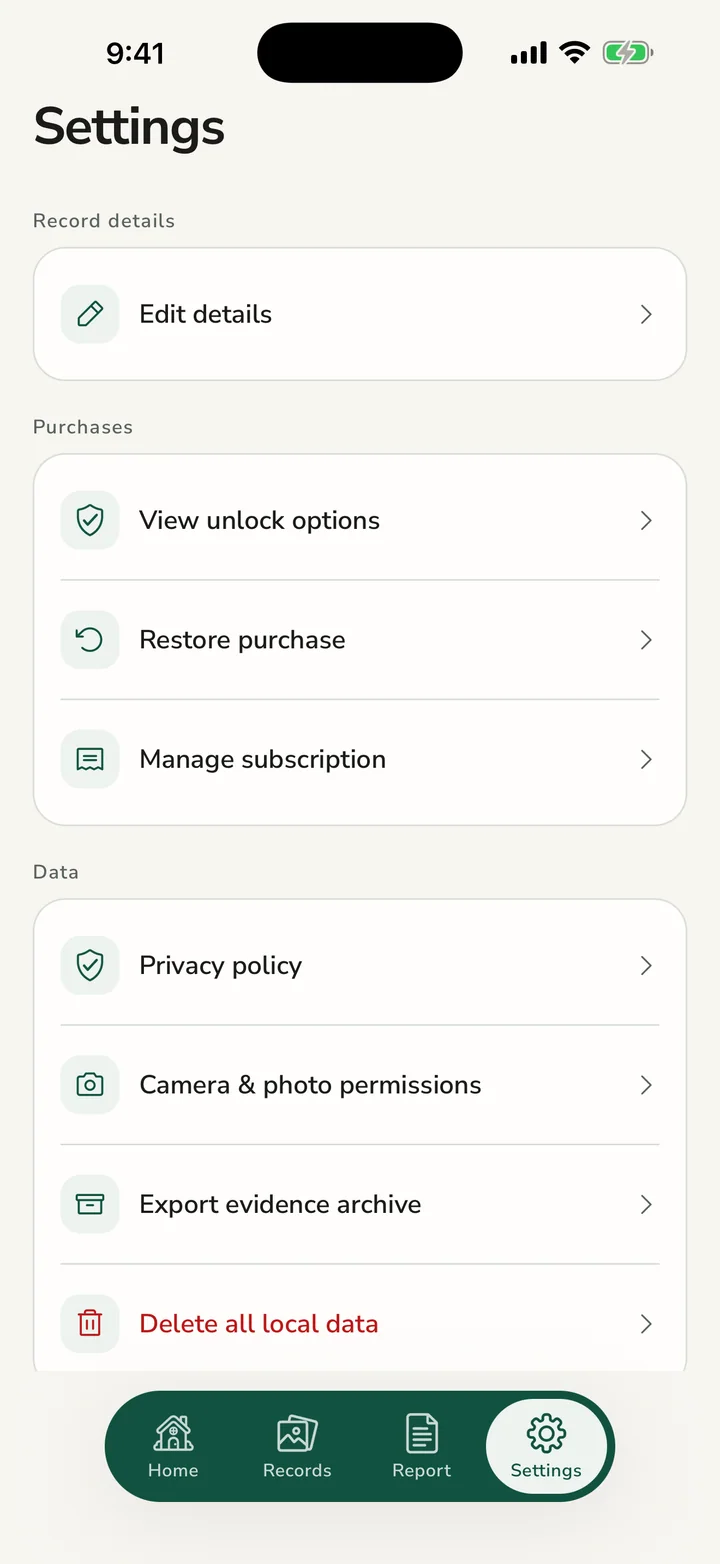
Make one backup file with your photos, documents, repair notes, and move-in and move-out records. Store it somewhere you choose.
Guides
Use these checklists even if you never install the app. Each guide is designed for one job you can complete during a real walkthrough.
A practical sequence for photographing a rental before furniture and daily life make existing conditions harder to see.
Read guide →
A simple method for marking damage and writing factual notes that stay useful when you review the record later.
Read guide → A coverage plan for kitchens, bathrooms, bedrooms, living areas, entries, and optional spaces.
Read guide →Privacy
Your photos and notes stay on your device unless you choose to export or share them.
DepositKeeper is on the App Store. Annual and lifetime plans are purchased inside the app.
The free version covers one area, four photos, and five notes. Annual and lifetime plans unlock the full app.
No. It helps you keep an organized record of your rental, but it cannot decide who is responsible for a cost or what happens to your deposit.
The app keeps your photos and notes on your device. Exporting or sharing happens only when you choose it.
No. Use it as your own extra record alongside anything required by your lease, landlord, or local rules.
The new photo replaces the old one in your record.
Yes. Full access lets you add rooms more than once and create spaces such as an office, den, sunroom, dining room, or laundry.